Updated comparison for game teams

Best project management tools for game developers

A practical comparison of top game development project management tools

Building games requires clear planning, shared context, and realistic production visibility. This page reviews five widely used tools and explains where each one fits best, so teams can choose based on workflow needs, scale, and production style.

1.

HacknPlan

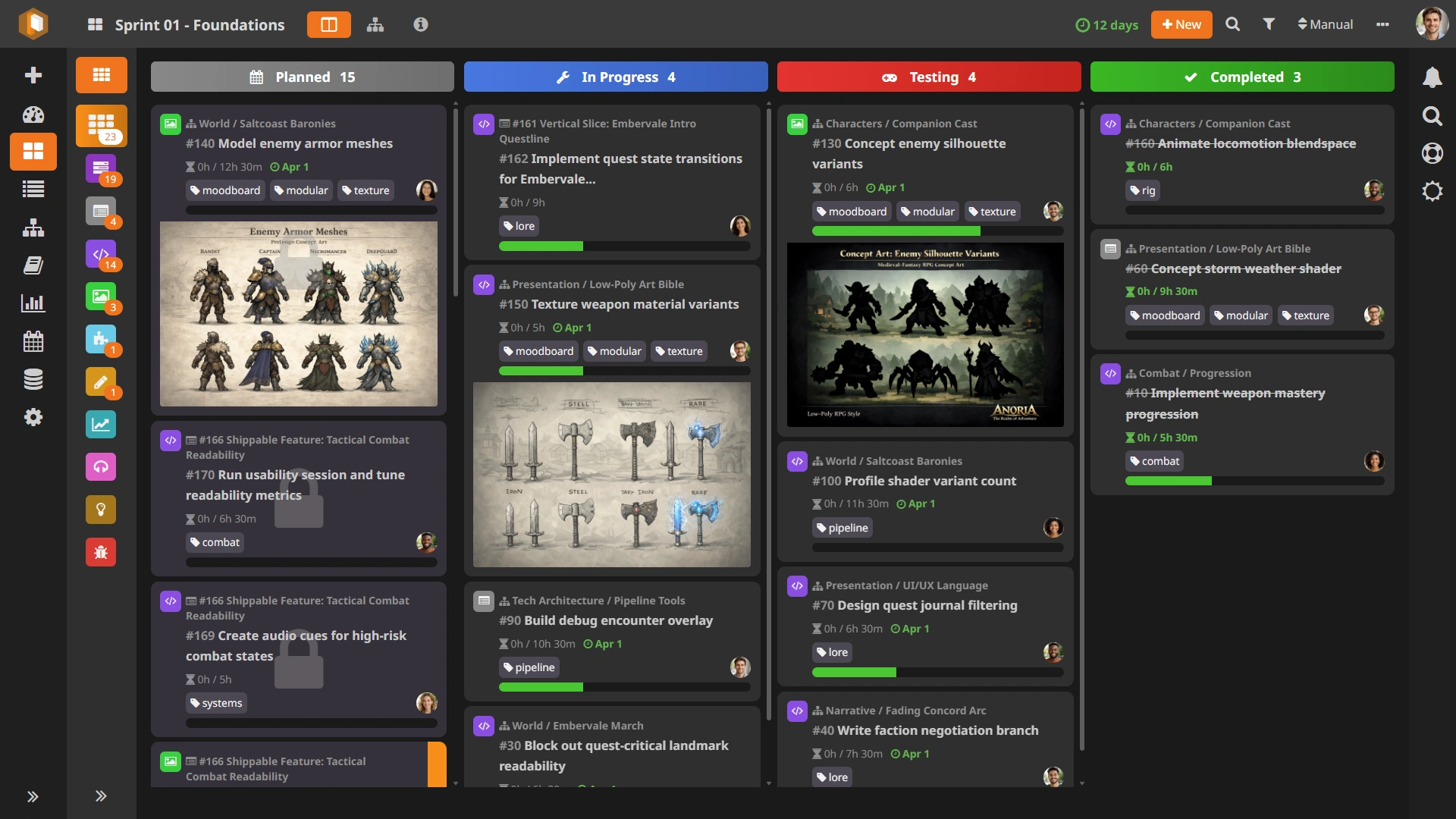
HacknPlan is a project management platform designed specifically for game development. It combines agile task planning with game-focused structure, including discipline categories, milestone planning, and production reporting.

One of its most distinctive elements is the integrated Game Design Model, which lets teams connect design documentation directly to tasks and user stories. This can reduce context-switching and make day-to-day planning more grounded in design intent. Compared with broader enterprise tools, it tends to sit in a middle ground: more structured than very lightweight board tools, while still simpler to adopt for many indie and mid-sized studios.

HacknPlan board and production dashboard

Strengths

  • Built specifically for game teams and multi-discipline pipelines
  • Integrated game design documentation connected to tasks
  • Clear milestone planning with practical reporting
  • Fast onboarding for indie and mid-sized studios

Tradeoffs

  • More opinionated than fully generic work-management suites
  • Smaller integration marketplace than enterprise-first tools

2.

Jira

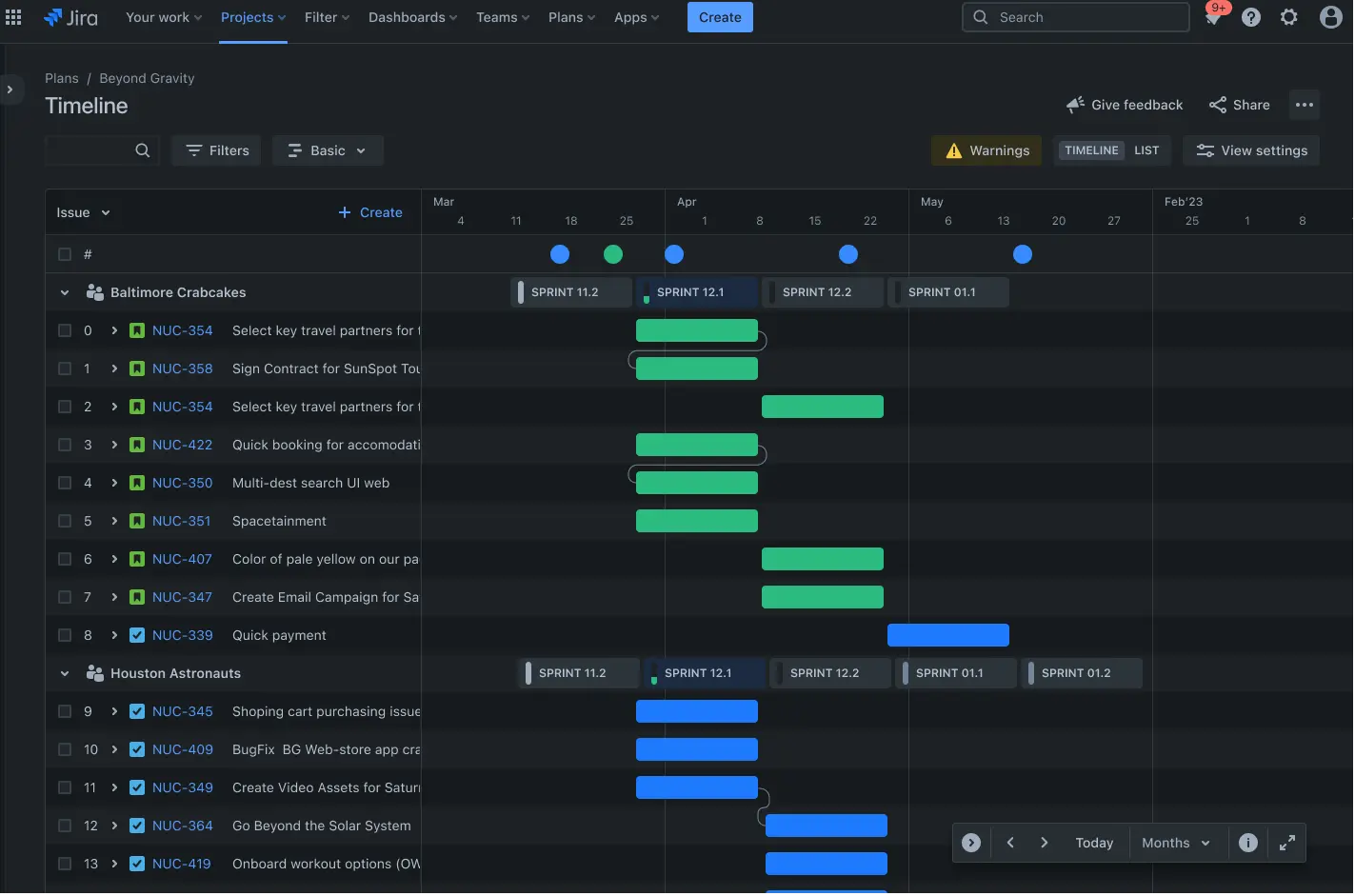
Jira is one of the most established project management platforms in software and is also common in game studios, especially larger ones. It is highly configurable and has a mature ecosystem of extensions and integrations.

Its flexibility is a major advantage when teams need strict workflows, approval states, or advanced automation. The tradeoff is that configuration and governance can become a project in itself, particularly for smaller teams that mainly need straightforward production visibility. Many studios also pair Jira with separate documentation tools to cover design context.

Jira project board interface

Strengths

  • Very configurable workflows and permissions
  • Large marketplace and broad ecosystem
  • Familiar option for teams with existing Jira expertise

Tradeoffs

  • Configuration and administration overhead can be high
  • Cost and complexity often scale with team growth
  • Design documentation usually requires separate tooling

3.

Notion

Notion is a flexible workspace for documentation, planning, and collaboration. It is particularly strong for writing and organizing structured project knowledge with custom pages and databases.

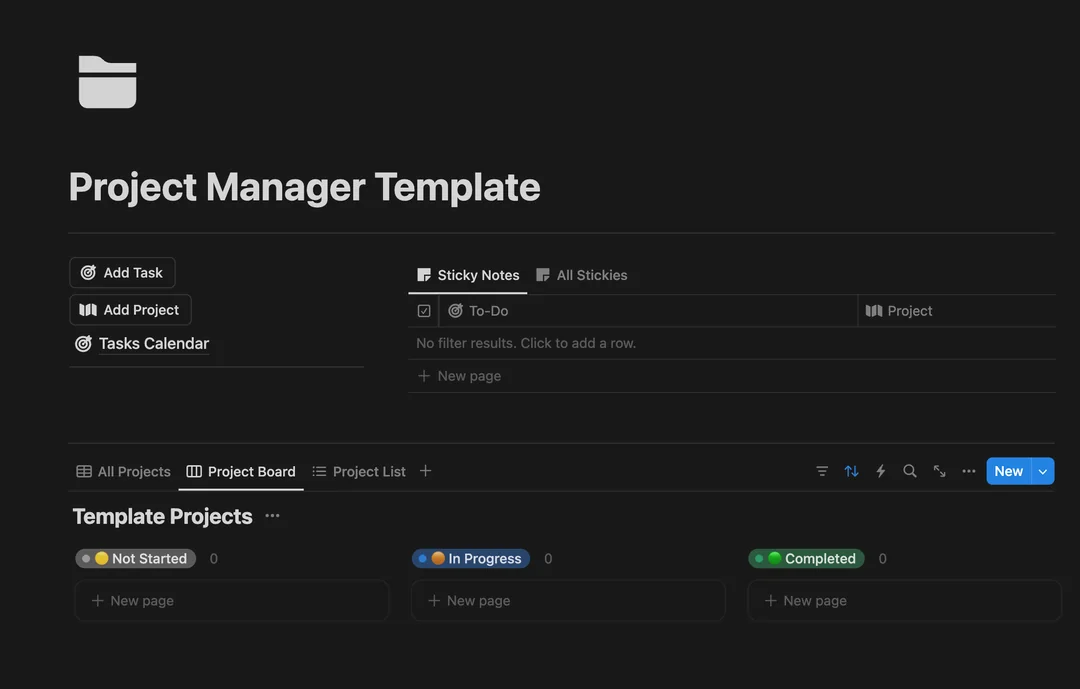
Because of its flexibility, teams can shape workflows in many ways, from lightweight kanban boards to richer planning hubs. At the same time, that open-ended model can require significant setup and team discipline before it feels like a complete production system. For game teams with complex pipelines, task tracking depth may depend heavily on how well the workspace is designed and maintained.

Notion workspace and planning view

Strengths

  • Excellent for collaborative documentation
  • Flexible building blocks and customizable pages
  • Good general-purpose workspace for small teams

Tradeoffs

  • Task management depth can feel limited for production-heavy pipelines
  • Requires significant setup to model game workflows well
  • Can become inconsistent across teams without strict standards

4.

Trello

Trello is a lightweight, visual task board tool known for its simplicity. It is easy to start with and has been a common choice for hobby projects and small indie teams.

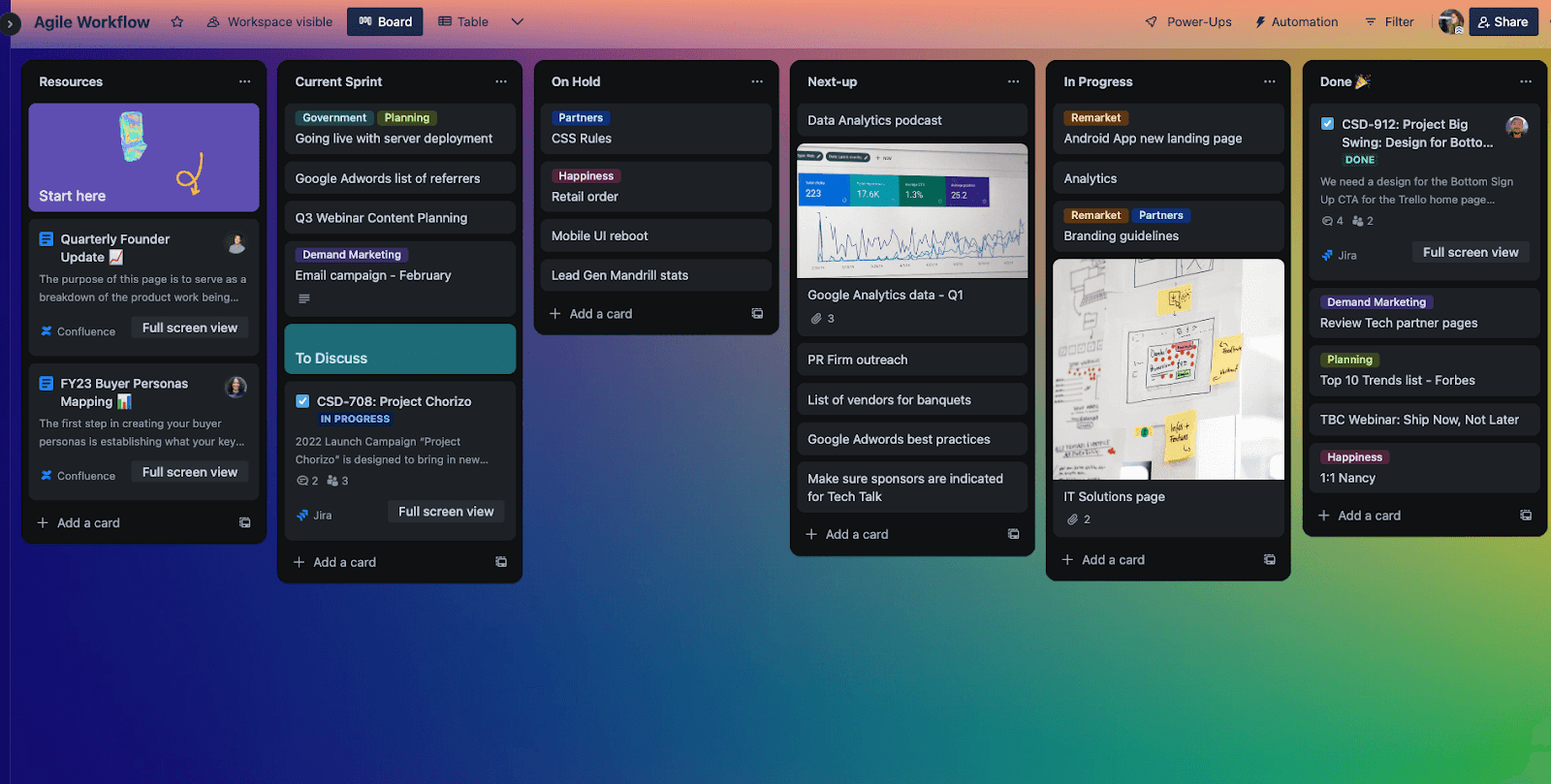
Its card-and-list model works well for straightforward task tracking and quick collaboration. As projects grow, however, teams may need additional structure for dependencies, milestones, and reporting. It can still be effective for simpler workflows, but larger game productions often require more planning depth than Trello provides out of the box.

Trello kanban board layout

Strengths

  • Very easy to adopt and use
  • Clean kanban experience for straightforward task tracking
  • Good option for personal and small team planning

Tradeoffs

  • Limited depth for advanced production planning
  • Dependencies and cross-board visibility require workarounds
  • Generic structure can lead to process drift as teams scale

5.

Codecks

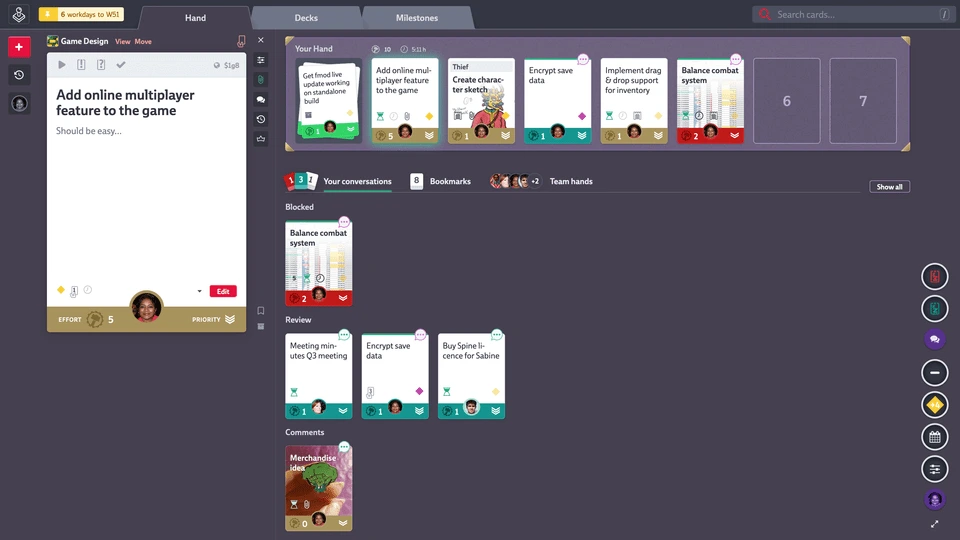
Codecks is a project management tool designed for game development with a distinctive card-game inspired interface. Its methodology organizes work into decks and hands, which sets it apart from traditional kanban-first tools.

For teams that enjoy this style, Codecks can create an engaging workflow and clear ownership signals. The main consideration is onboarding: because terminology and interaction patterns differ from common agile tools, new contributors may need extra time to learn the system. Teams already comfortable with conventional PM language may also find the transition less direct.

Codecks task and deck interface

Strengths

  • Game-focused positioning and unique interaction model
  • Creative interface that some teams find motivating
  • Useful for teams aligned with its deck/hand methodology

Tradeoffs

  • Non-standard terminology can slow onboarding
  • Workflow conventions differ from common agile tools
  • Less immediate for teams used to classic boards and sprint language

Choose the tool that matches your team and project stage

No single platform is perfect for every studio. If you want a game-focused workflow, HacknPlan is one strong option. If you need broad enterprise customization or docs-first flexibility, Jira or Notion may be a better fit.