HacknPlan + Discord ❤️
You asked for it and, finally, here it is! We are releasing the beta version of our Discord integration, which comes packed with features.
Let’s dive in!
Team commands
This first version of the integration is all about slash commands. After integrating your project with your Discord server, you’ll be able to execute common day-to-day HacknPlan actions without leaving the chat, which makes it very convenient when you are talking to your team and ideas or requirements come up. For instance, you can quickly create basic tasks and user stories, move items to another stage, log work hours, assign a task to someone, add comments…
Also, you can sync work items and boards to the Discord comments. This automatically creates a thread, maintains the item updated, and adds update messages when something happens in HacknPlan.
We call these “team commands” because they require that the Discord user is linked to a HacknPlan user, and their permissions and configurations apply, so they are meant for internal use.
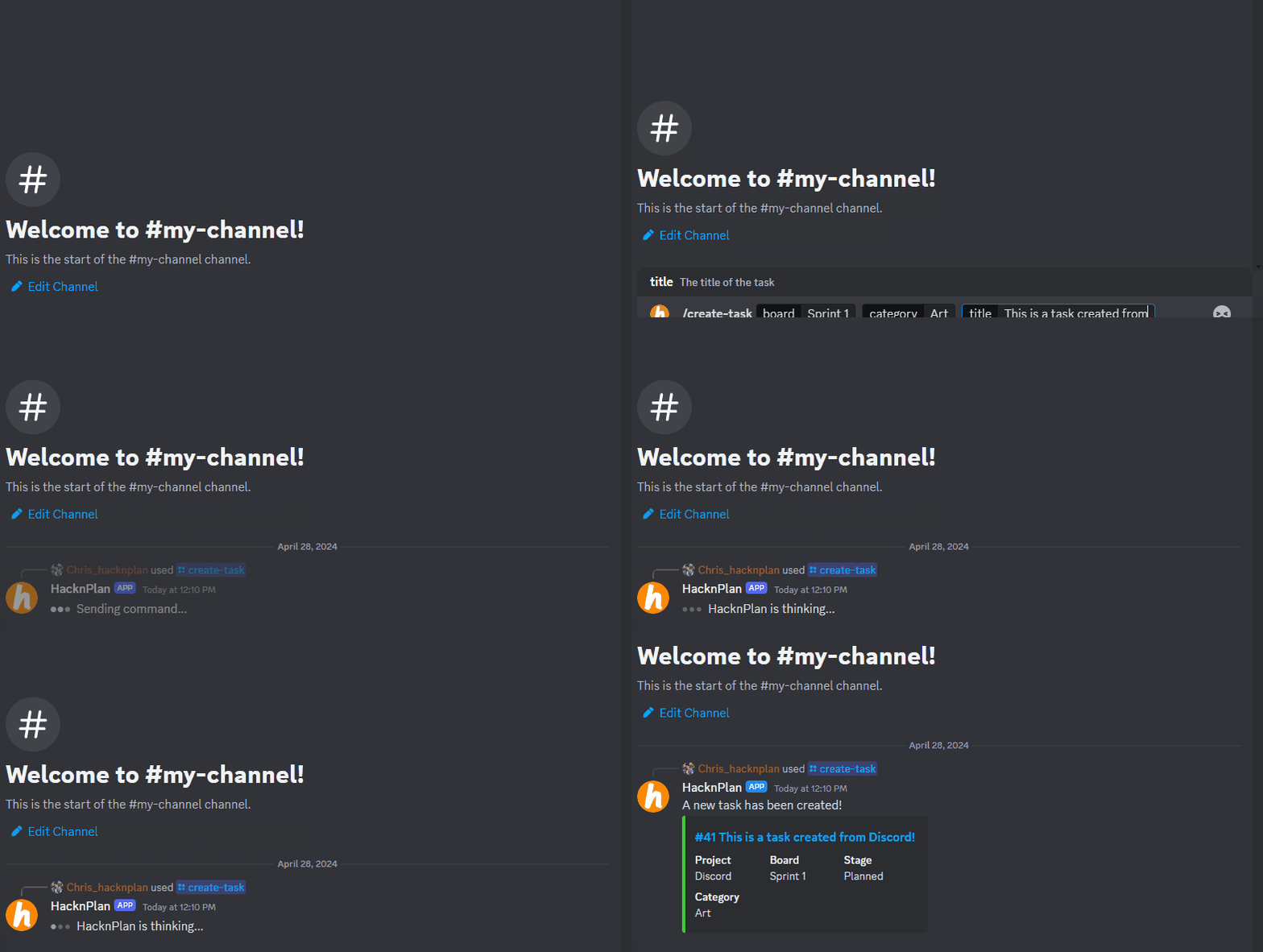
Community commands
But that’s not just it. We also added a few ones that we call “community commands”. These commands are meant to be executed by users in your Discord that are not part of your HacknPlan project. These commands will allow your community to report bugs or make suggestions, which converts your Discord server into some sort of customer feedback platform fully integrated with HacknPlan.
By default, community commands are synchronized (threads are created and updated) so your community can get updates on the reported bugs or feature requests and keep them organized.
Configuration
Our integration is easy to configure and manage, just add the integration to your project, add your team, make some permission adjustments… and voila!
To know more details about how to install and configure our integration, take a look at our docs:
Conclusion
We hope you enjoy the Discord integration and find it useful. It’s still in beta, meaning we will keep adding stuff and improving its functionality in the upcoming months based on your feedback. If there are features you miss, ideas you have or you find any bugs, make sure you report them using the support channel in the application.
Happy planning!
