Design model
The Game Design Model
The Game Design Model (GDM) is HacknPlan's game-specific layer for connecting design intent and production execution.
Traditional GDDs are often static and quickly become outdated. The GDM replaces that static model with a structured, editable tree of design elements linked to real work items and progress data.
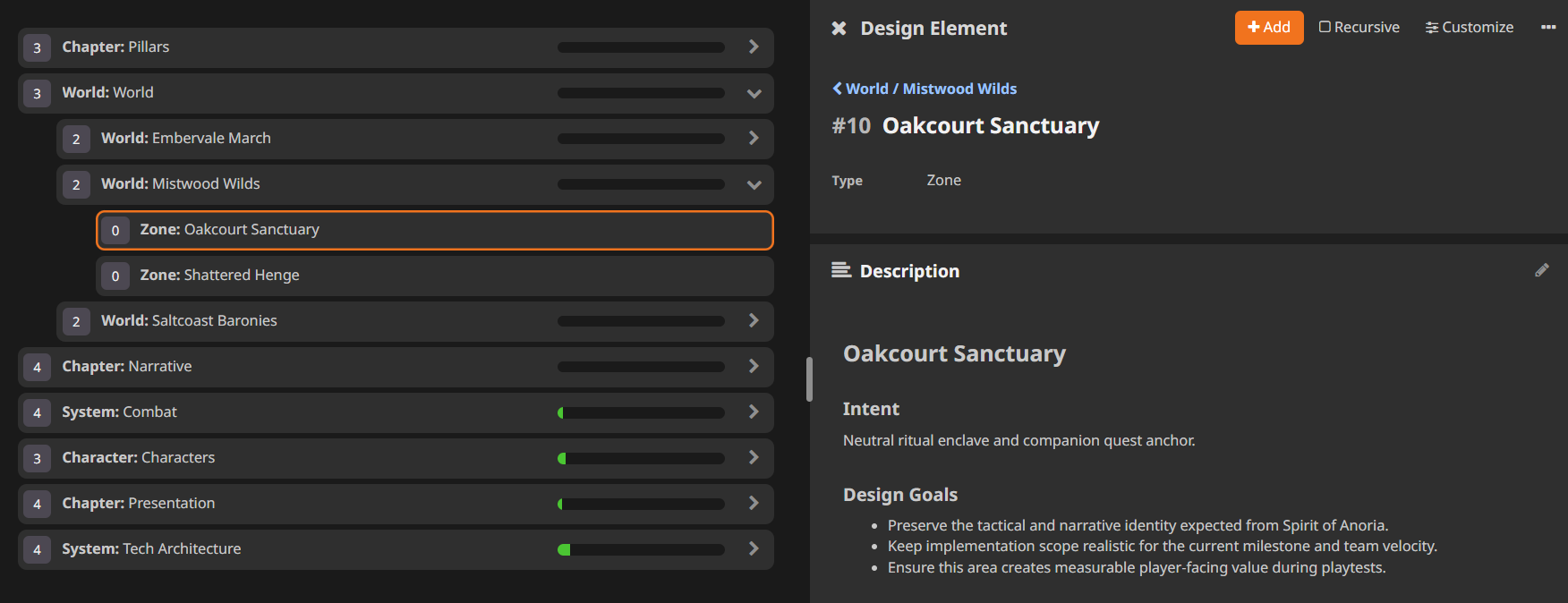
This enables a shared view of:
- what is being built (design elements)
- how it is built (tasks and stories)
- when it is built (boards and milestones)
Defining your design model
Create elements from:
Newbutton or shortcutE- add-child actions from list or context menu
You can also clone elements from hover actions, context menu, or Alt + C.
Core fields:
- Name
- Type (admin-configurable)
- Parent
- Start date
- Due date
- Description (Markdown with optional HTML)
Elements can be reordered and re-parented using drag and drop.
Delete options:
- hover delete icon
- context menu delete
- keyboard
DEL
Adding work items to the model
Design elements can contain tasks and user stories. This is the key mechanism that links documentation and execution.
You can create linked items by:
- creating a new item from the GDM
- using add-item actions on elements
- selecting a design element in item editor fields
While detached items are possible, assigning items to the GDM is recommended for better traceability.
Additional element tools
Each element also includes:
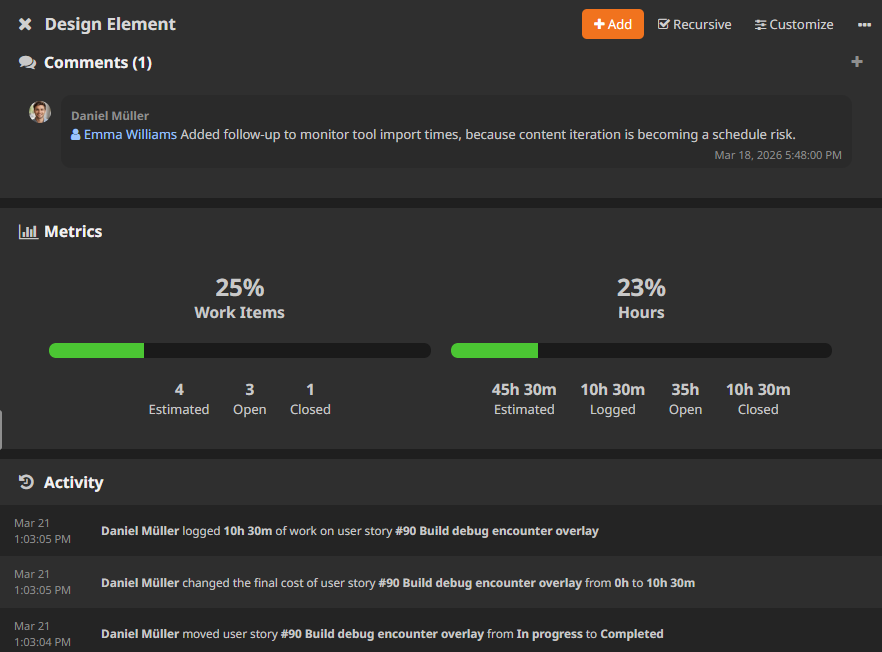
- Metrics: progress summary (optionally including children)
- Work items: filtered list by board and stage
- Attachments: files that can be referenced from content
- Comments: discussion thread with Markdown support
- Activity: historical audit of updates