Work items
Attachments
HacknPlan supports attaching files to work items and game design elements for implementation context, references, and review material.
Storage limits depend on account tier:
- Personal: max file 5 MB, max storage 500 MB
- Personal Plus: max file 50 MB, max storage 2 GB
- Studio: max file 250 MB, max storage 5 GB per seat
Adding attachments
You can add files by:
- using the attachments tab in item/design-element editor
- pressing
Awhile editor is open - dragging files into the editor
- pasting images with
Ctrl + Vinside description fields
Premium tiers can also attach files from Google Drive.
Referencing attachments
Attachments can be referenced from descriptions and comments by:
- using the paperclip UI
- typing
$to open attachment picker
Rendered behavior:
- images are embedded
- 3D models are rendered
- other file types are shown as download links
For work items, image attachments can also be set as card cover images.
Managing storage
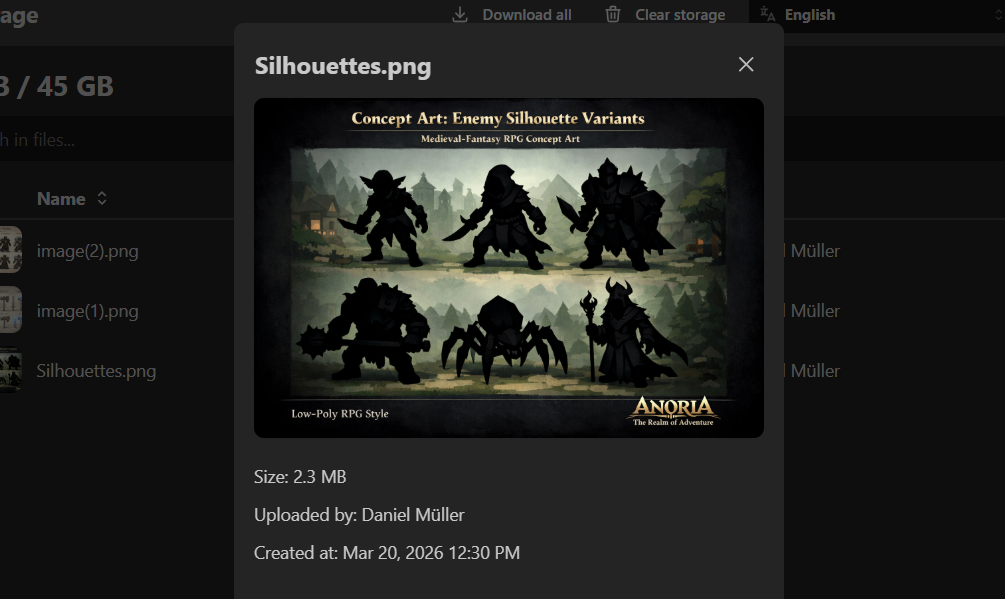
Project storage usage can be reviewed in:
Administration -> Storage
This view helps identify and remove large or obsolete files.